Getting Past Performance Problems: A Guide to Scaling Power BI Capacity
“The report won't open” or “the data loads far too slowly” are a data manager's worst nightmare.
“The report won't open” or “the data loads far too slowly” are a data manager's worst nightmare. At month-end close, or on a Monday morning when the whole company hits the reports at once, a bottleneck can be unavoidable. So how do you solve it without blowing up your costs?
The Trap of Fixed Capacity
Traditional Power BI Embedded (A series) or Fabric (F series) capacities usually offer a “fixed” performance ceiling. When you buy an F2 capacity, for example, you get a specific amount of compute (CU).
While your user count is low, everything is fine. But at peak time that capacity falls short and queues start to form. The result: slow reports and unhappy users.
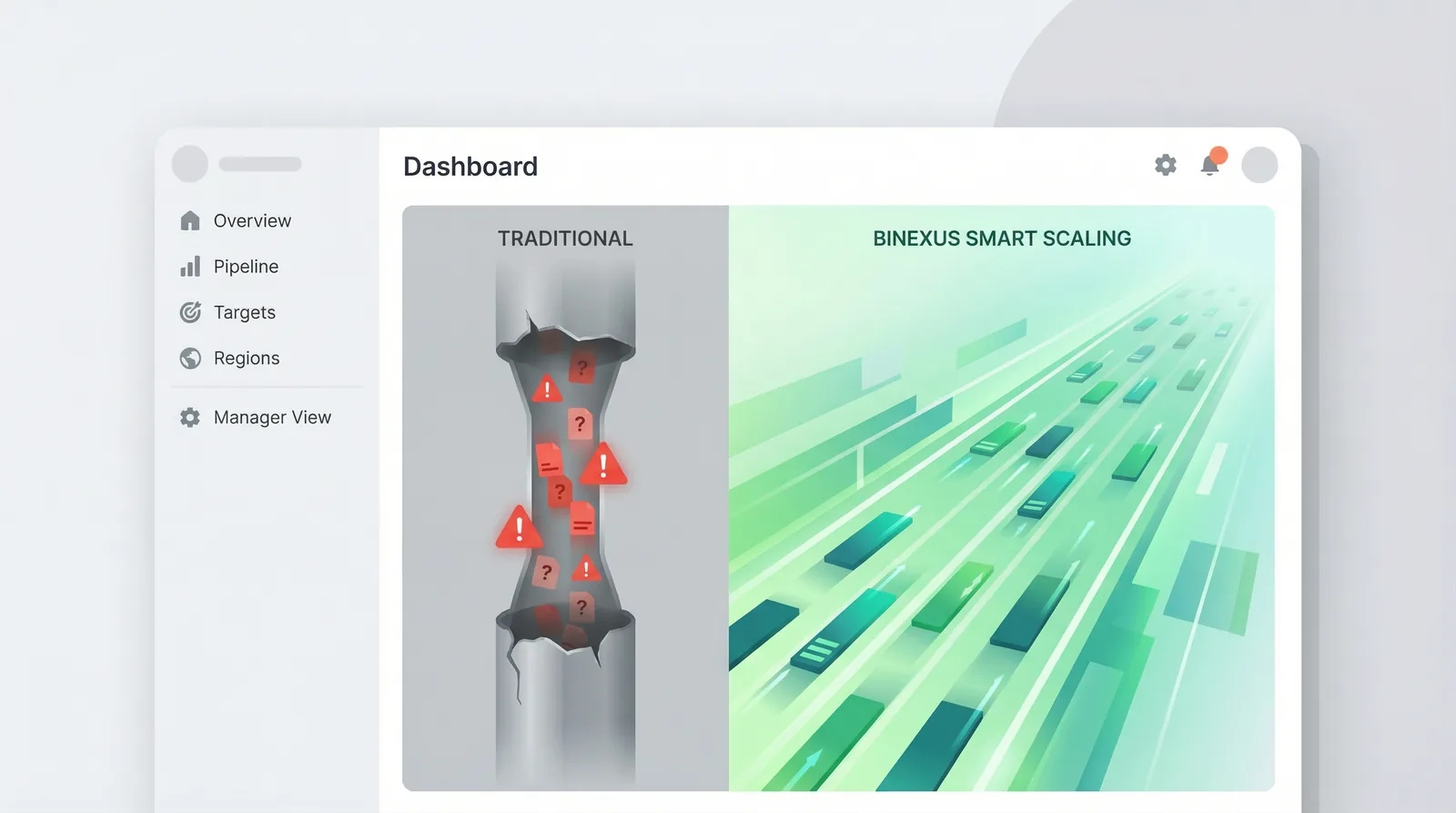
As the illustration above shows, in the traditional model (left) the data flow jams as it tries to squeeze through a narrow pipe. In the BiNexus smart-scaling model (right), the road widens with the traffic.
The Solution: BiNexus Auto-Scaling
BiNexus turns capacity management from a manual chore into an autonomous process. The system watches the load on the server second by second.
How Does It Work?
1.Monitoring: BiNexus continuously tracks capacity utilisation (CPU/memory).
2.Decision: When the load passes a defined threshold (80%, for example), the system automatically brings extra capacity online (scale up).
3.Normalisation: Once the peak has passed, the additional capacity is shut down again (scale down).
Thanks to this mechanism, you pay only for the moment you actually need it . You are not paying for huge servers at midnight when nobody is using a report; and on Monday morning nobody suffers a performance problem.
Smart Queue Management
Adding capacity is not enough on its own — the existing capacity has to be used efficiently too. BiNexus queues incoming queries intelligently. Priority reports (C-level dashboards, for instance) move to the front of the traffic, while less critical work (a historical data load, say) waits for the system to breathe.
Conclusion: Uninterrupted Performance, Optimised Cost
You do not have to buy the largest licence package to get past performance problems. What you need is not a “bigger” capacity, but a “smarter” way of managing it.
Make performance problems history with BiNexus — and spend your budget efficiently.